Every repair tracked, from drop-off to pick-up.
Job cards, price estimates the customer approves, parts used, advances and warranty claims. With or without a shop full of stock.
01Talk to it
Say it in your trade's words.
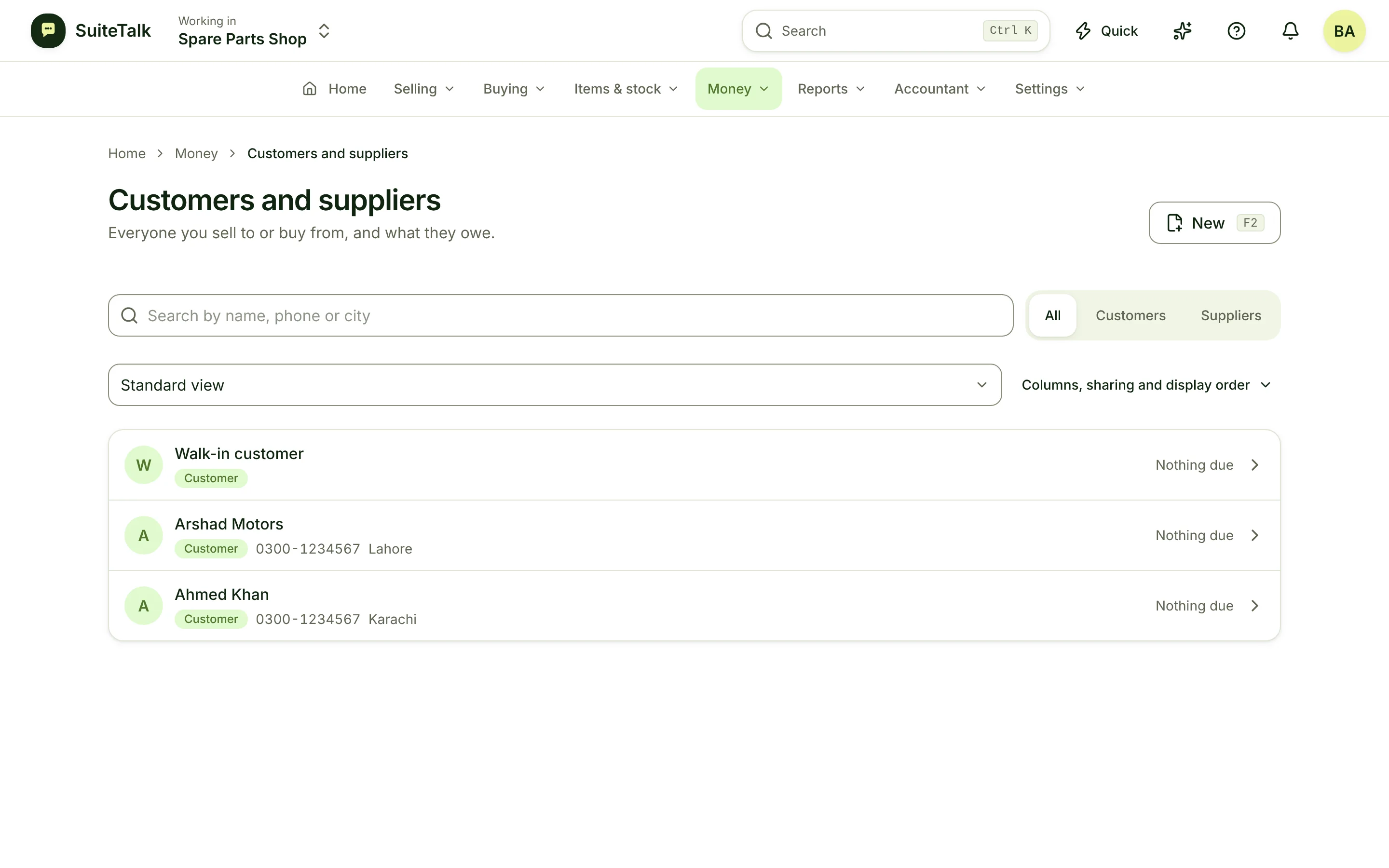
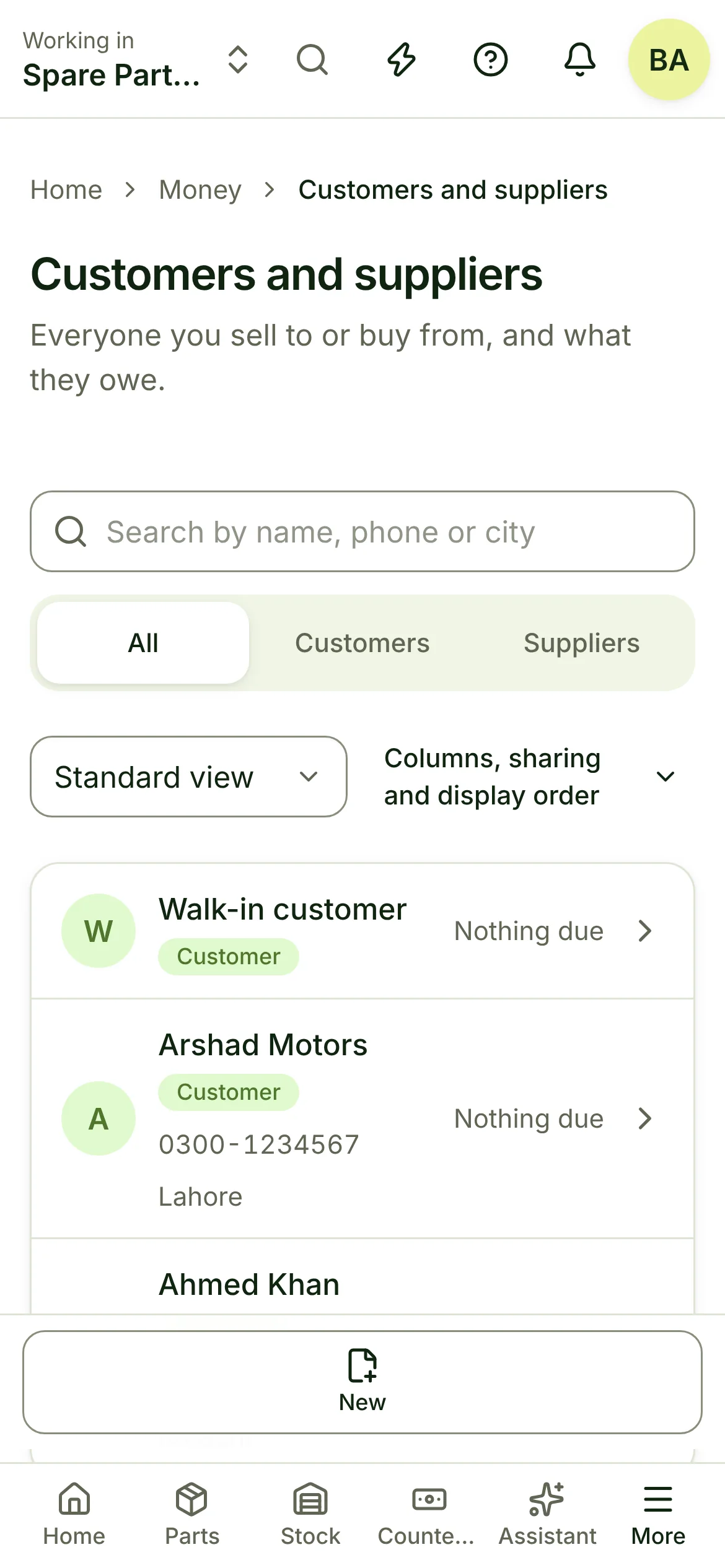
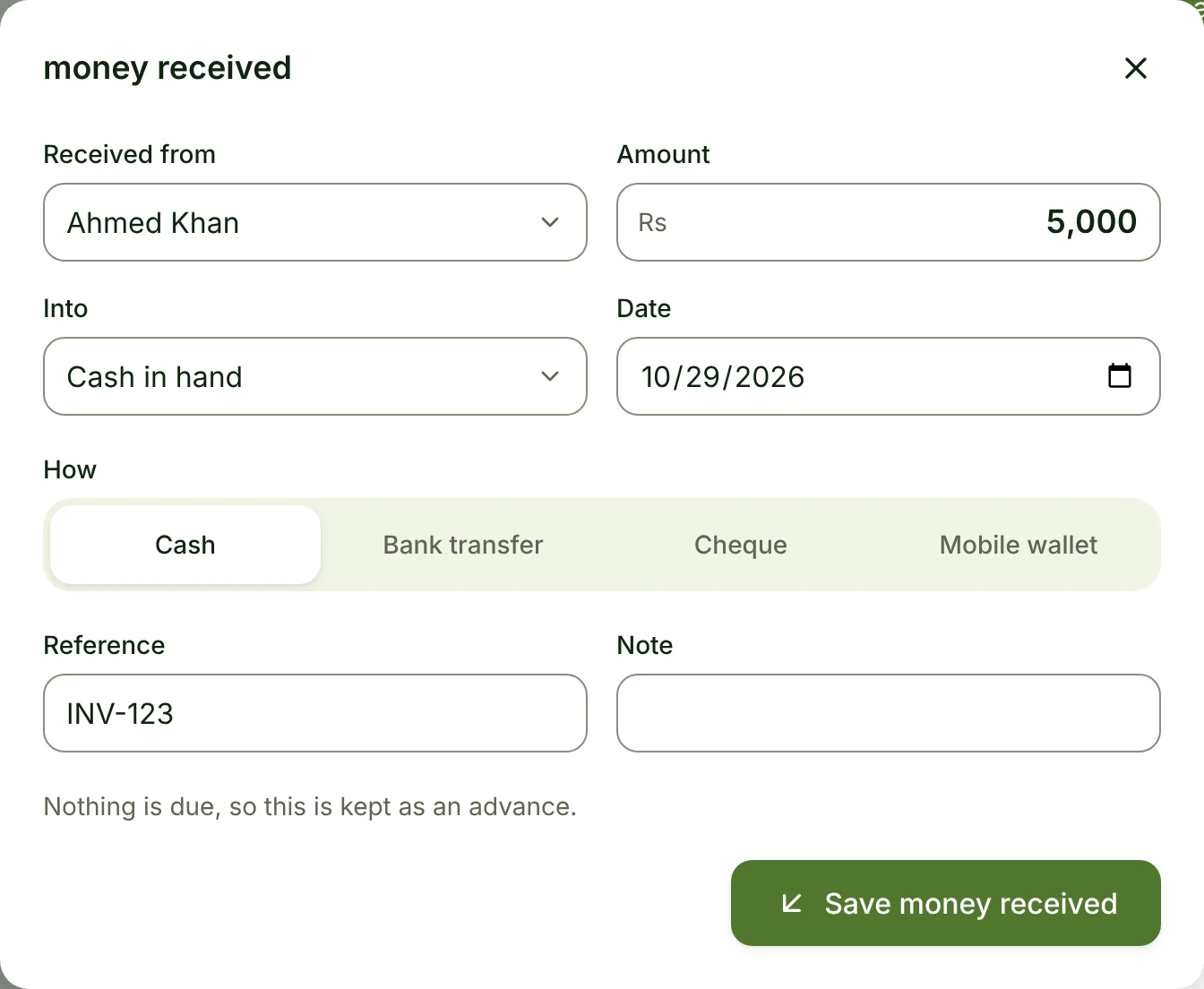
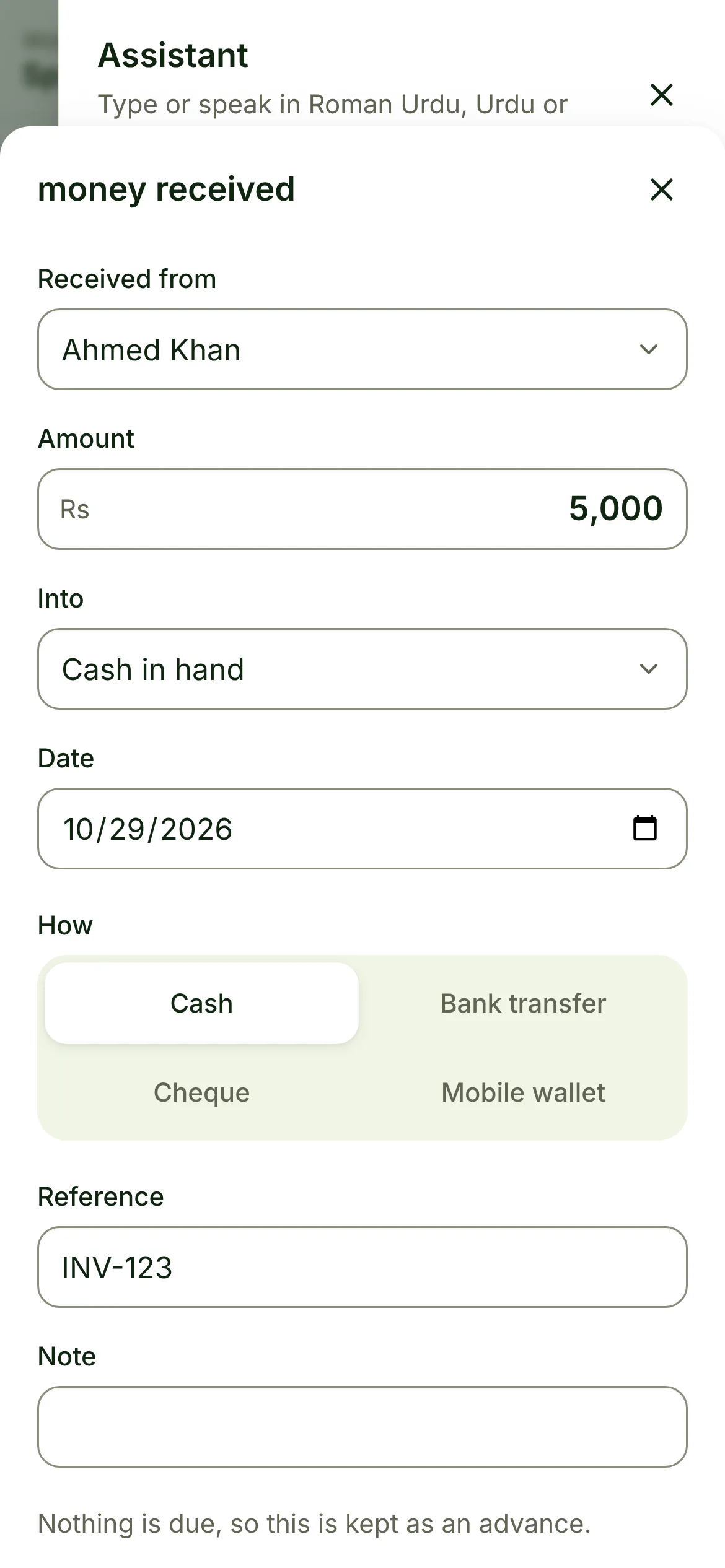
The assistant understands how your trade talks. It opens the right screen, filled in. You tap Save.
- “Ahmed ne 5,000 diye job JC-118 ke against”
- “Order 10 screens from the usual supplier”
- “Add a customer called Grace Wanjiru”
- Everything it understands
02Sounds familiar?
What gets in the way today.
Lost job slips
A paper slip goes missing and so does the record of what you promised.
Parts used, never billed
The screen was fitted, but it never made it onto the invoice.
Warranty arguments
Was it still under warranty? Nobody can prove it either way.
03A day with it
From opening to closing.
09:30
A cracked screen on the counter.
Warranty check, job card, custody receipt.
11:00
Technician opens it up.
Estimate sent, customer says yes.
15:00
New screen fitted.
Part on the job, job ready.
18:00
Customer picks up.
Invoice, advance taken off, job closed.
04What you get
Everything your trade needs.
01
Warranty check in one scan
Look up any IMEI or serial and see the cover before you take the job.
02
Job cards and custody receipts
What the customer left, in what condition, printed and signed.
03
Estimates the customer answers
Send a price, revise it, record the yes or no.
04
Parts on the job
Parts move to the job as they are used, so nothing is fitted for free by accident.
05
Advances and invoices
Take a deposit, invoice on hand-back, or close free under warranty.
06
Supplier warranty claims
Claim back from your supplier and track the recovery.
05Numbers that matter
What you see at the end of the day.
Waiting for parts
5
jobs
Ready for pick-up
11
customers told
Repair revenue this week
1,980.00
+15%
Example figures, not a real shop.
06Grows with you
Add what is unique to your business.
Create your own kinds of record, with your own fields, numbering and steps. No code.
- + Device intake photos
- + Courier pickup
- + Loan phone
07Questions
Good to know.
I only repair, I do not sell stock. Does it fit?
Yes. Repairs and warranty can be switched on for a repair-only shop.
Can I add my own fields to job cards?
Yes. Custom fields work on jobs and claims.
Does it work in my country and currency?
Yes. You pick your country, currency and time zone when you start, and tax rates are set per item, so it is not tied to any one country.
Can I bring my items and customers from Excel?
Yes. Import items, customers, suppliers and opening stock from a spreadsheet. A dry run shows every problem before anything is saved.
Can my staff use it without seeing my cost and profit?
Yes. Roles decide who sees cost, profit and money. Staff can sell and count stock without seeing what you paid.
Can I take all my data with me?
Yes. You can export your whole business at any time.
Ready when you are.
Set up for your trade in minutes, with a mentor at every step.