Say it. It is done.
Chat or a voice note. Urdu, English or your own language: voice notes are understood in close to 100 languages. The assistant opens the right screen, filled in, and a person taps Save.
Try it
Tap a phrase or the mic
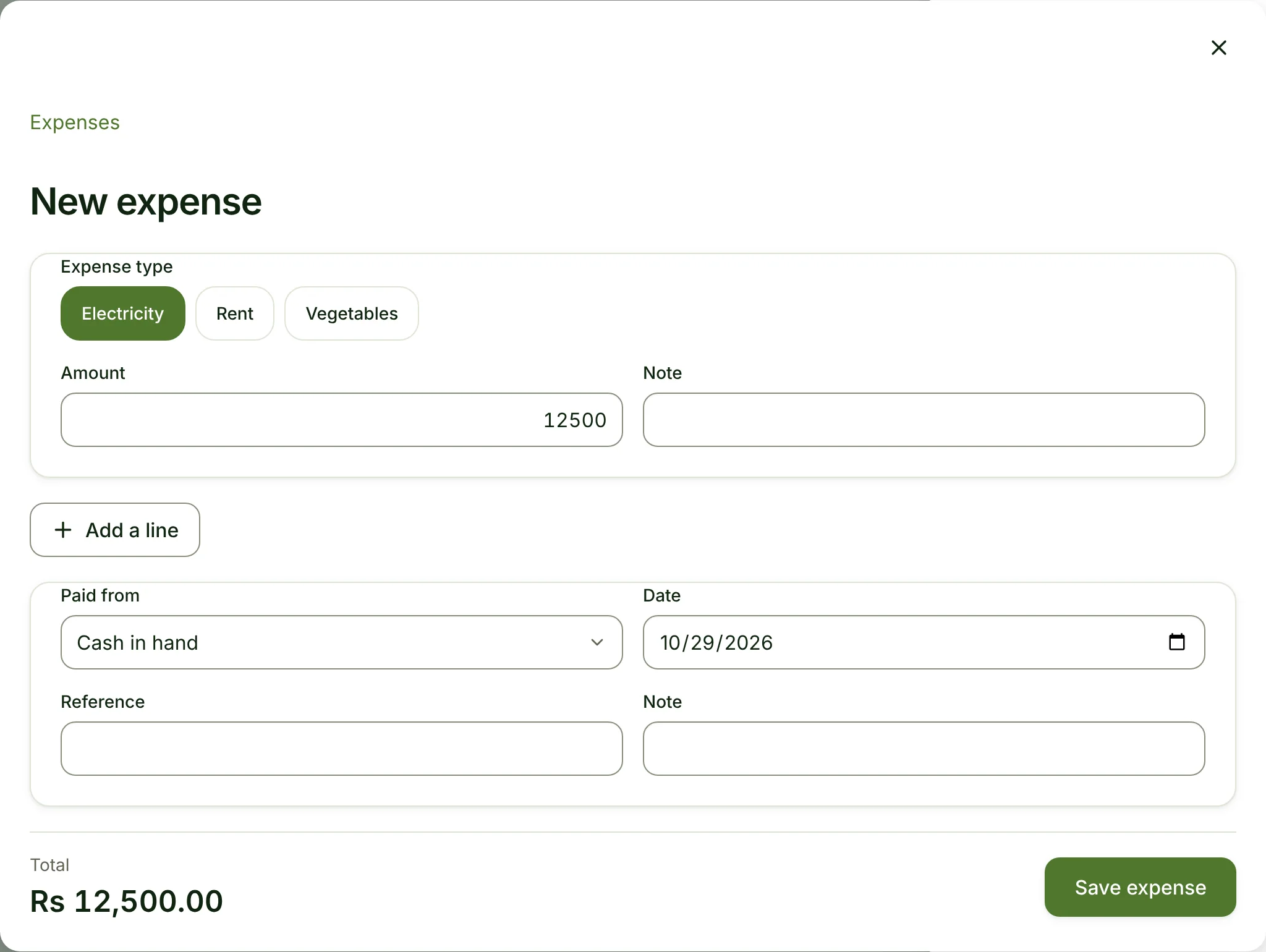
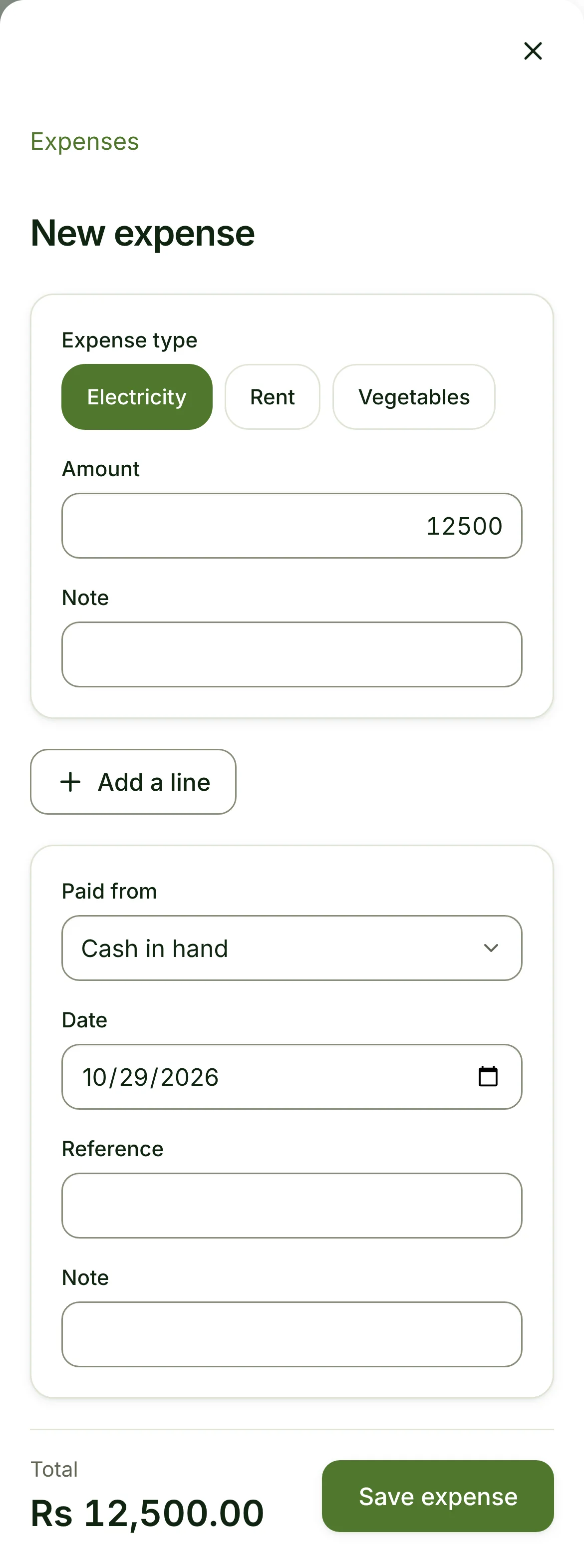
bijli ka bill 12,500 ka kharcha daal do
Here is the expense. Check it and tap Save.
Say it in Urdu, English or your own language…
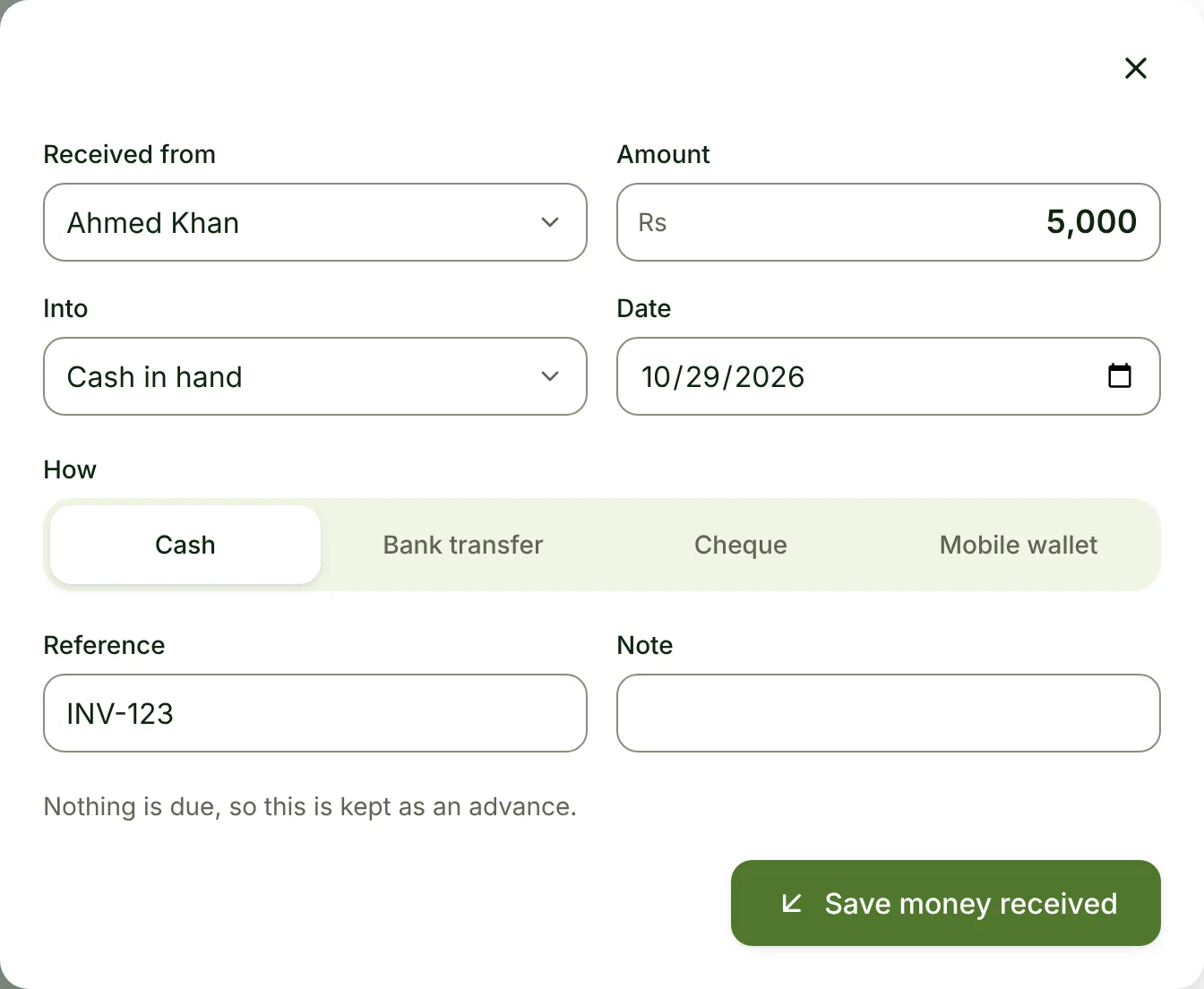
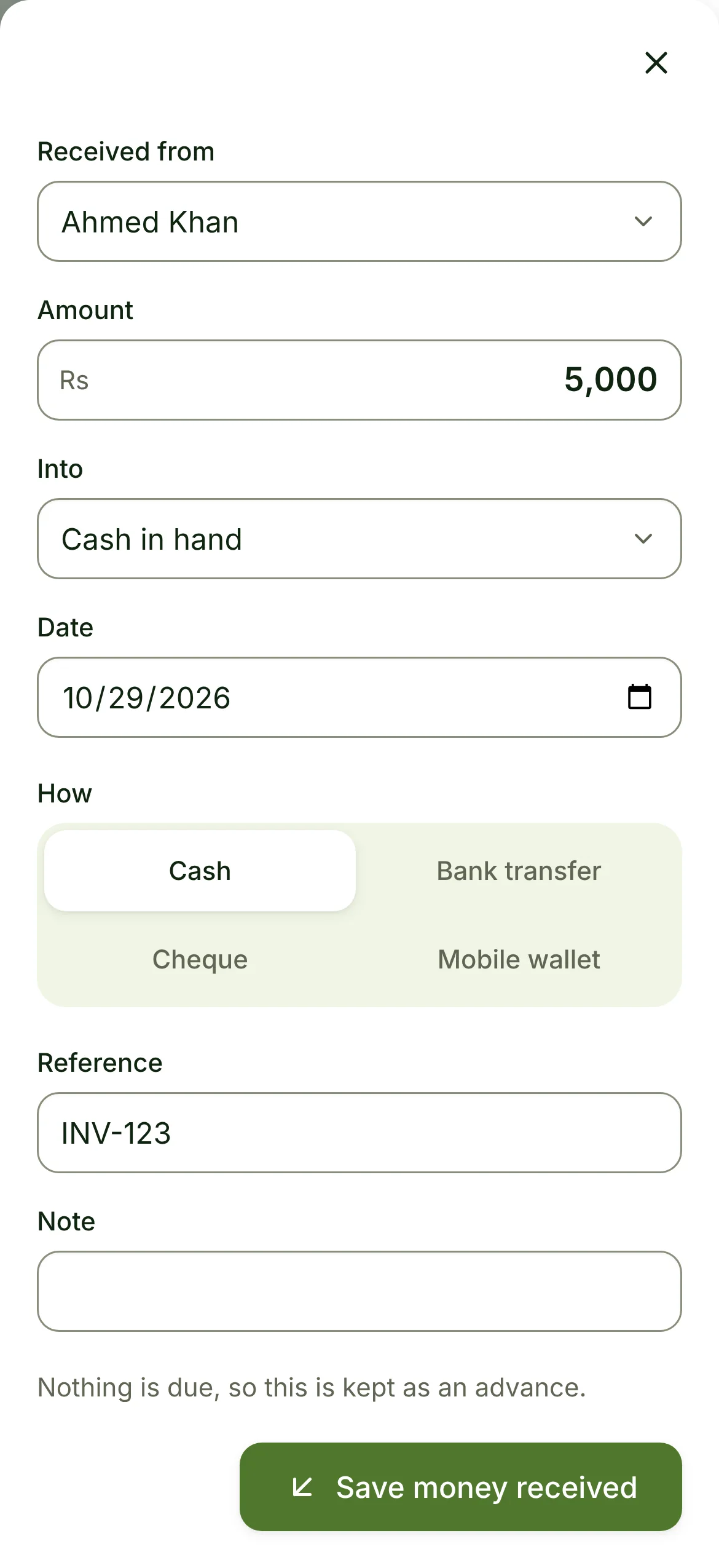
Real screens from the product. Nothing here is a mock-up.
Expense · opened, filled in · Restaurant
Money received · opened, filled in · Phone shop
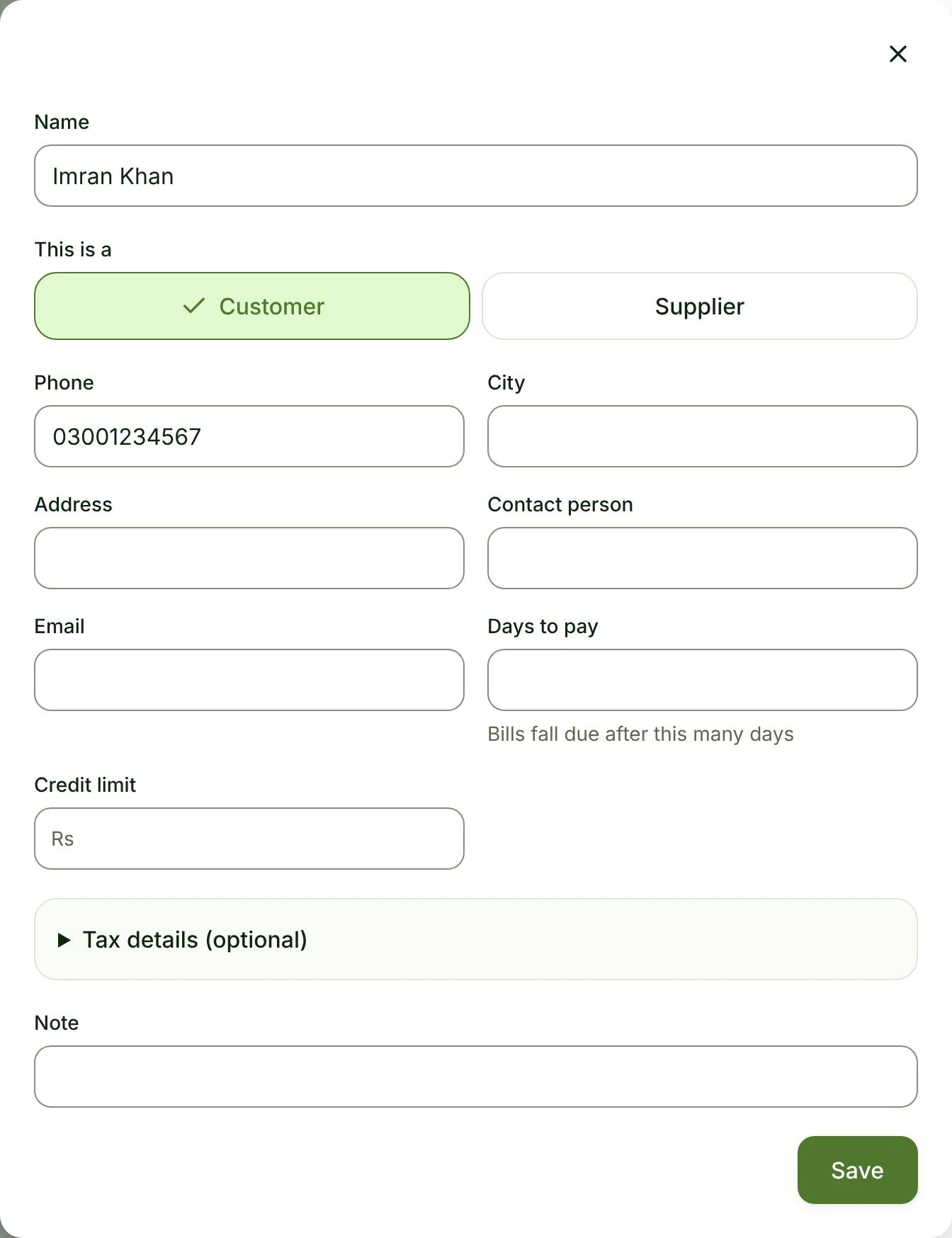
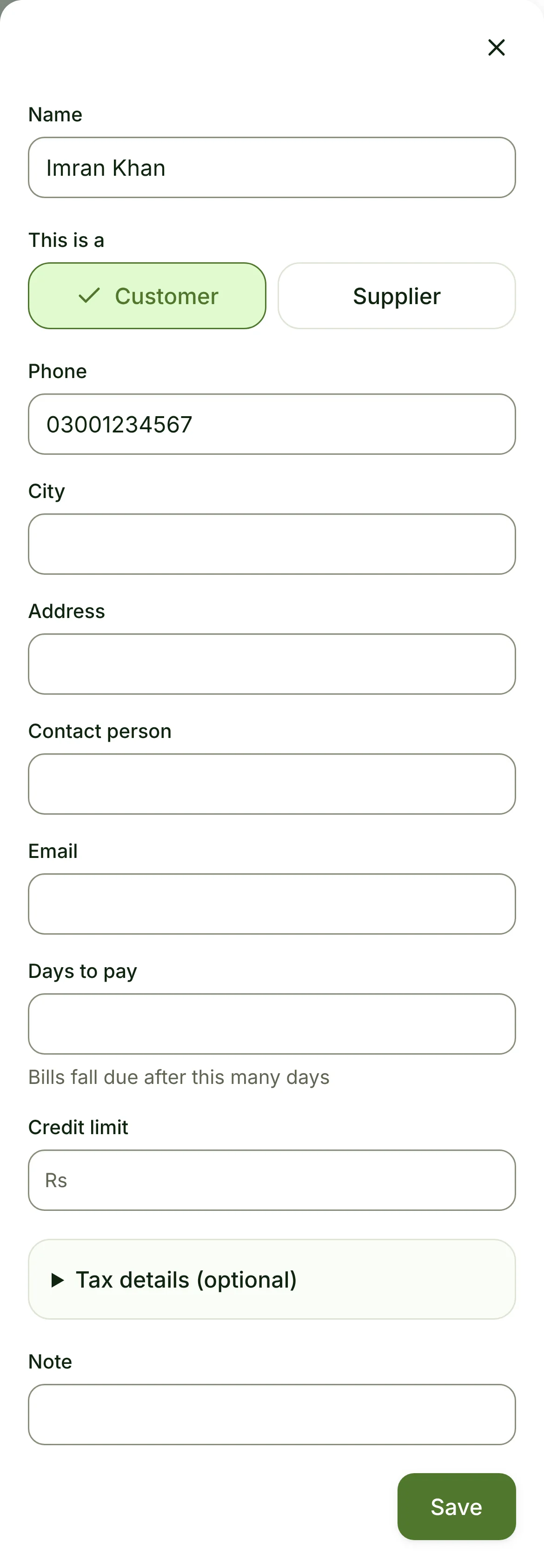
New customer · opened, filled in · General store
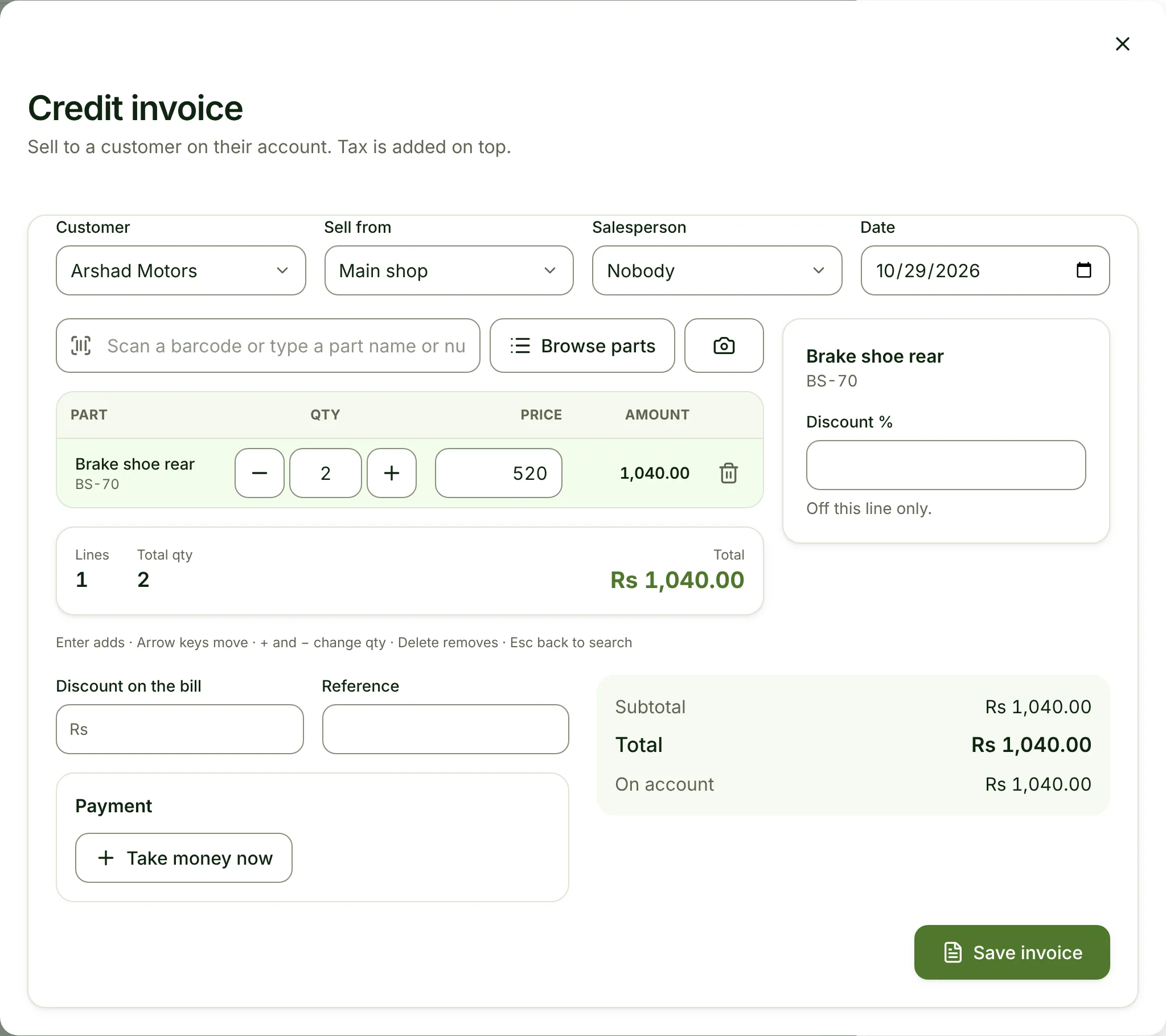
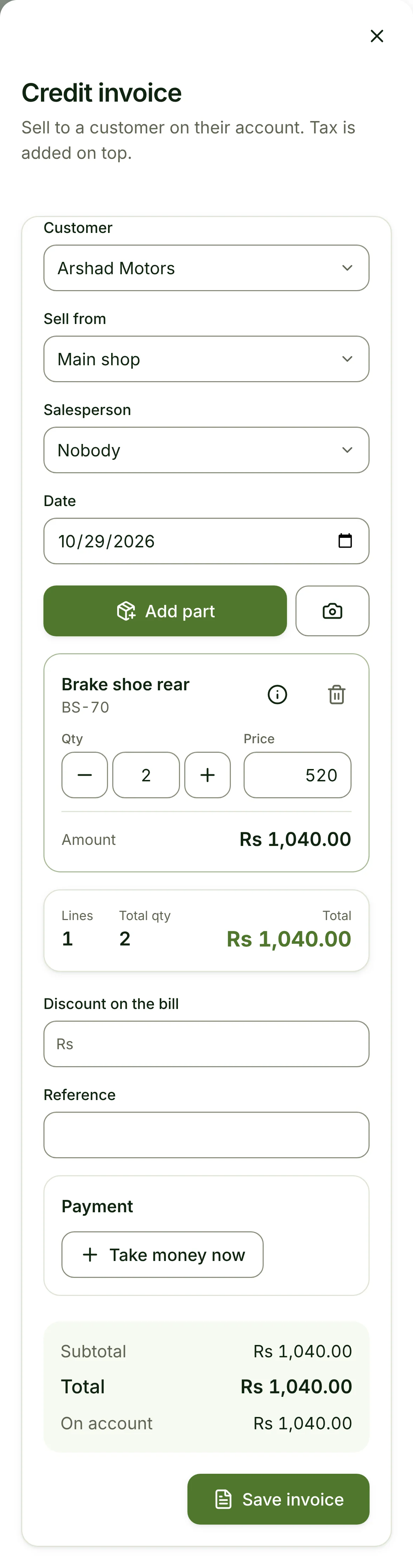
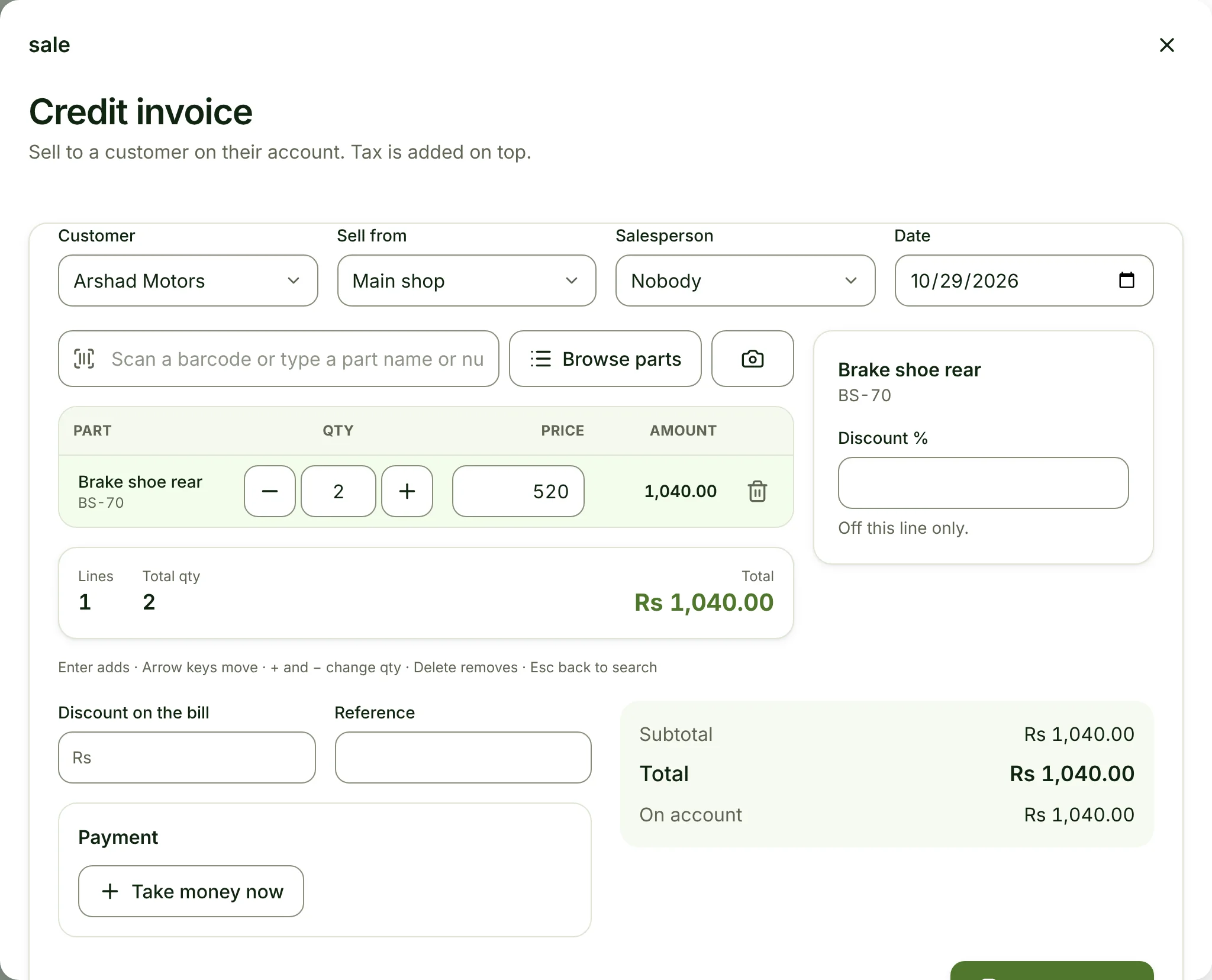
Credit invoice · opened, filled in · Parts shop
01How it works
Four steps, on real screens.
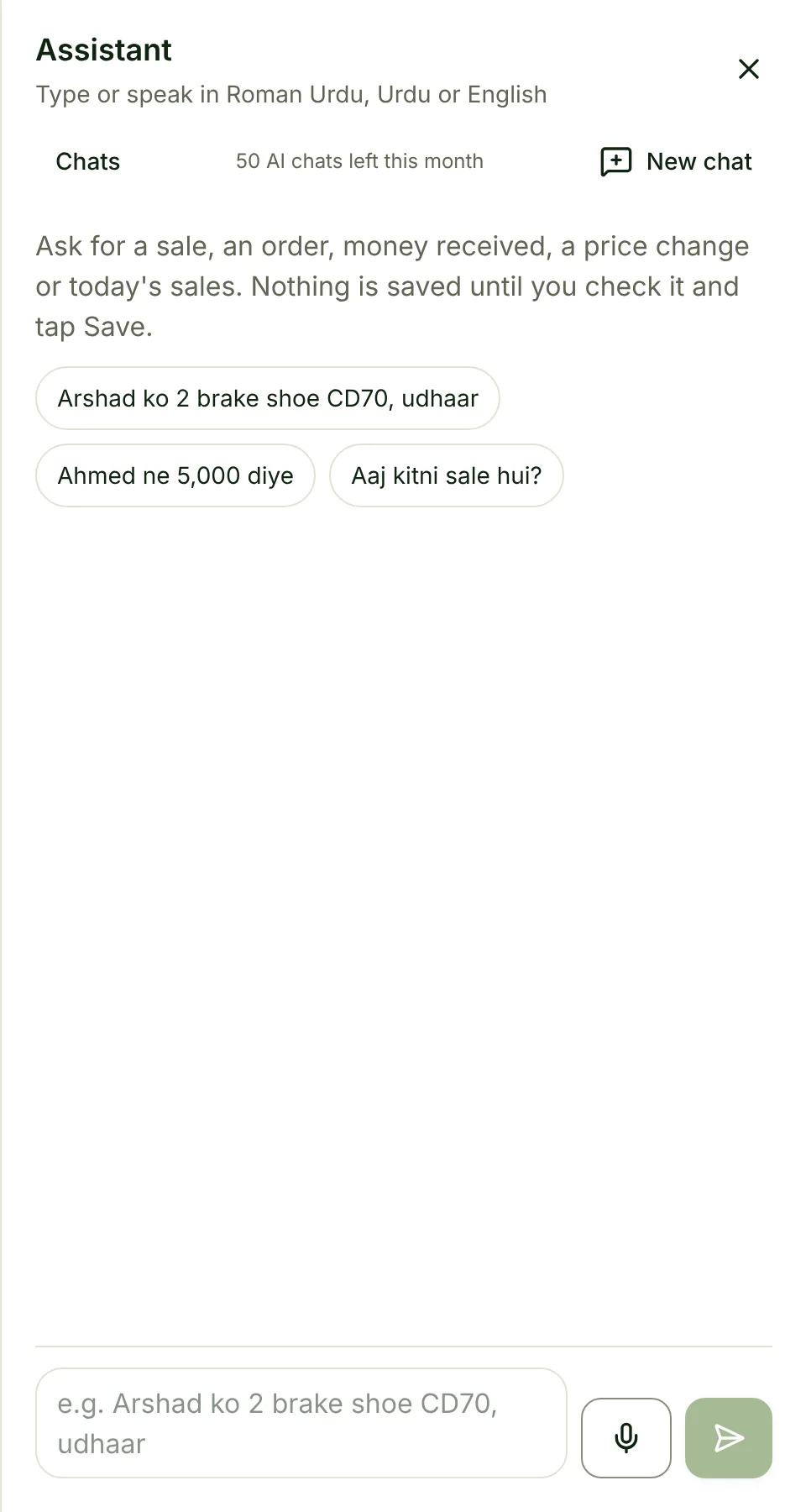
Type it, or hold the mic.
A voice note in Urdu, English or your own language is turned into words first, so you can see what it heard.
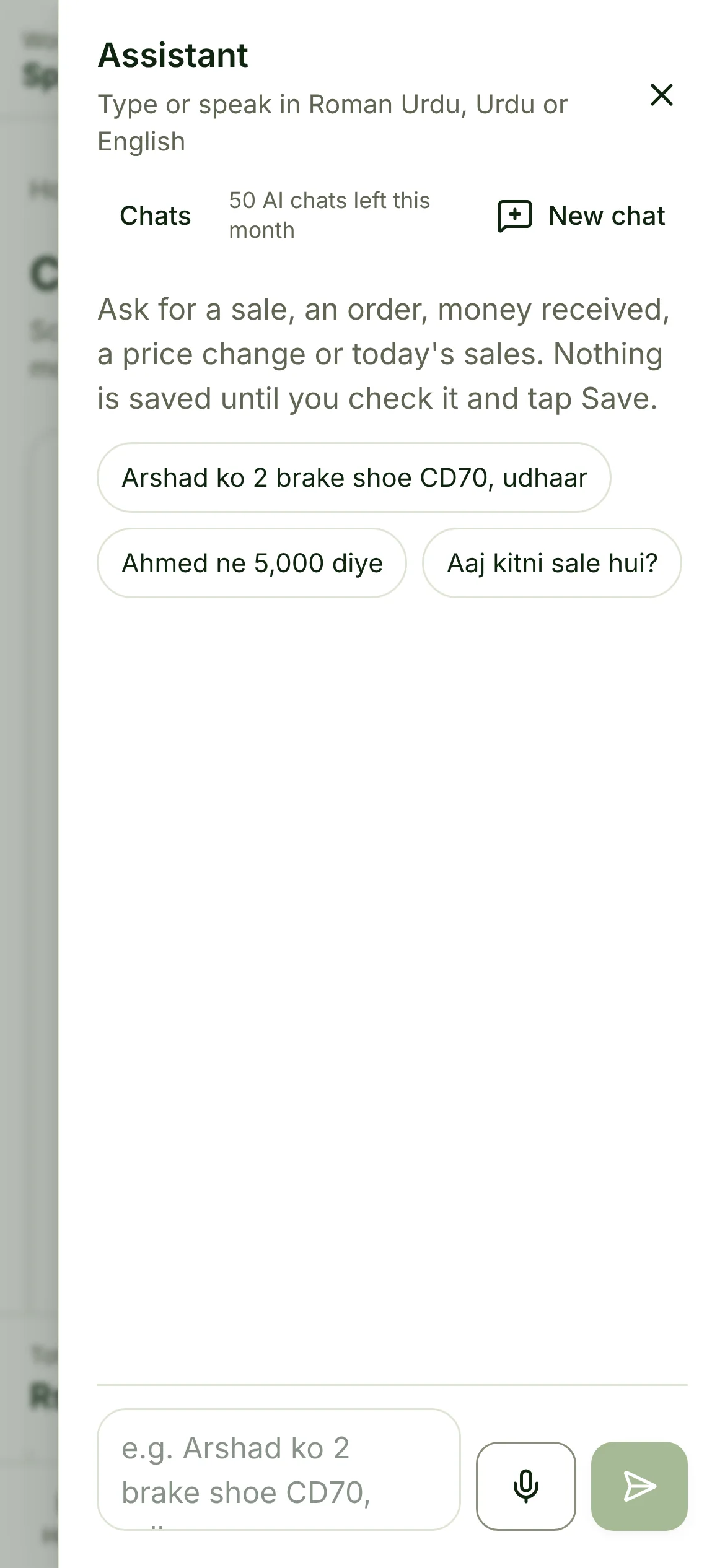
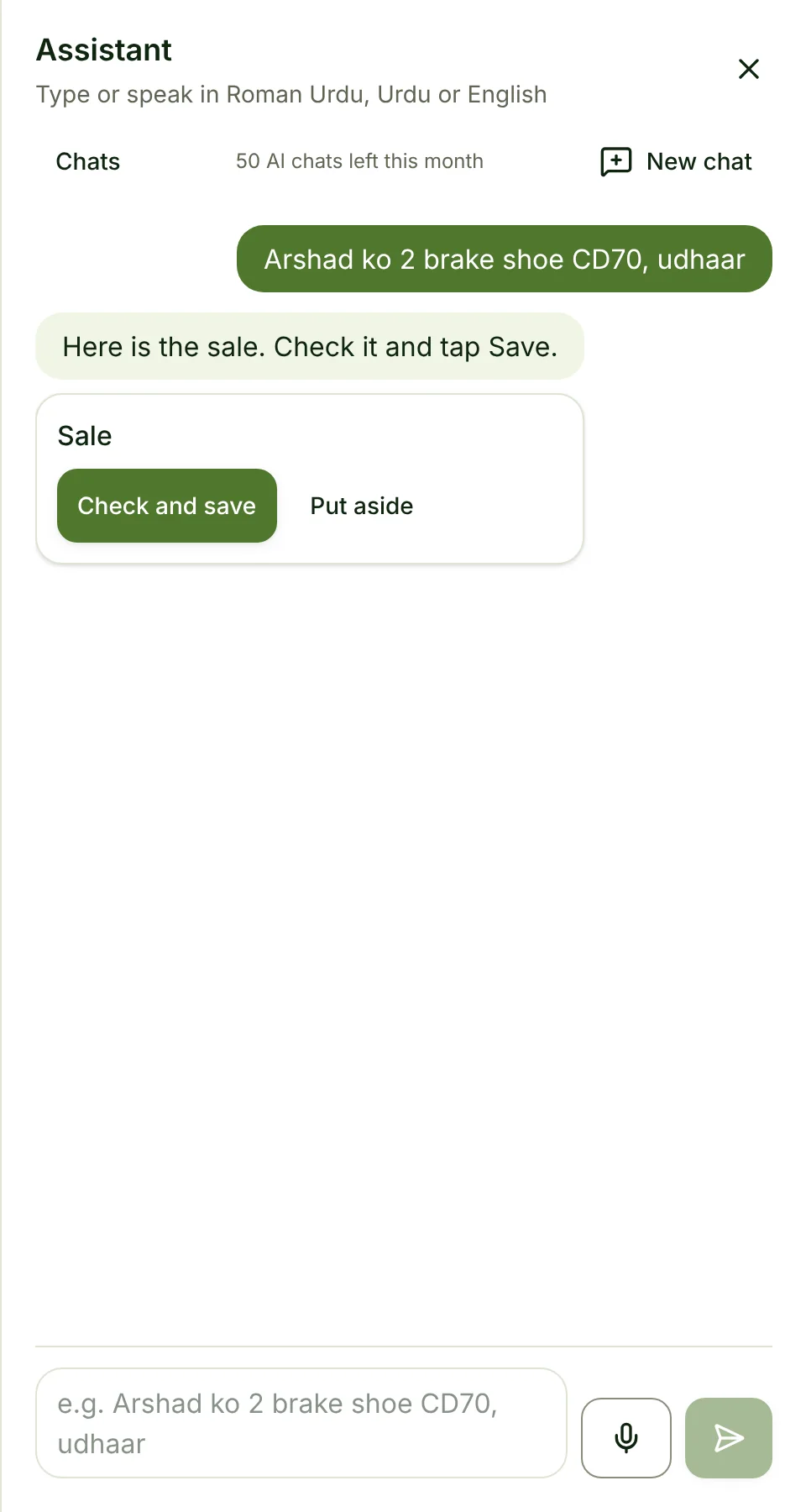
It answers in a line.
Rules understand the common shapes of a sentence at once. When it is unsure, and the Owner has switched the AI on, a model reads it.
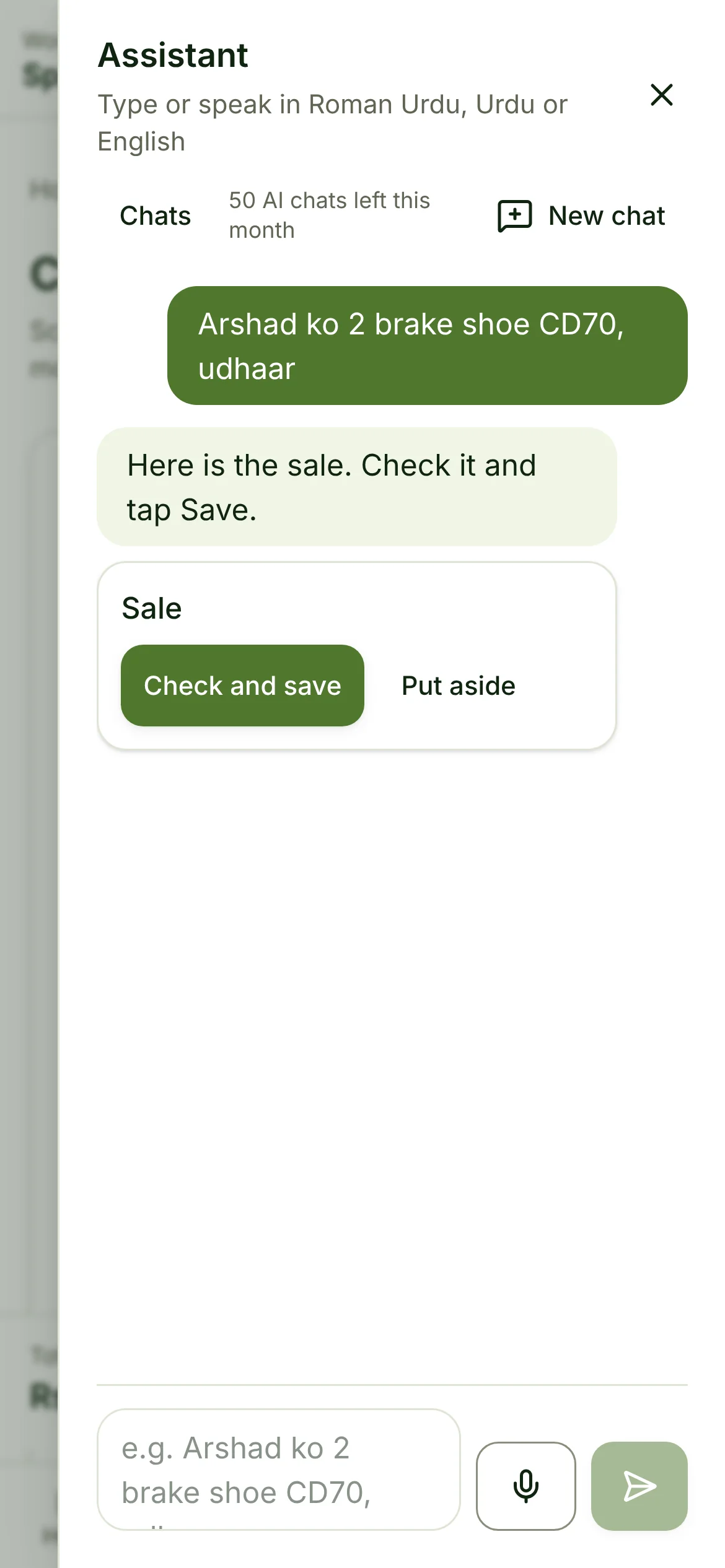
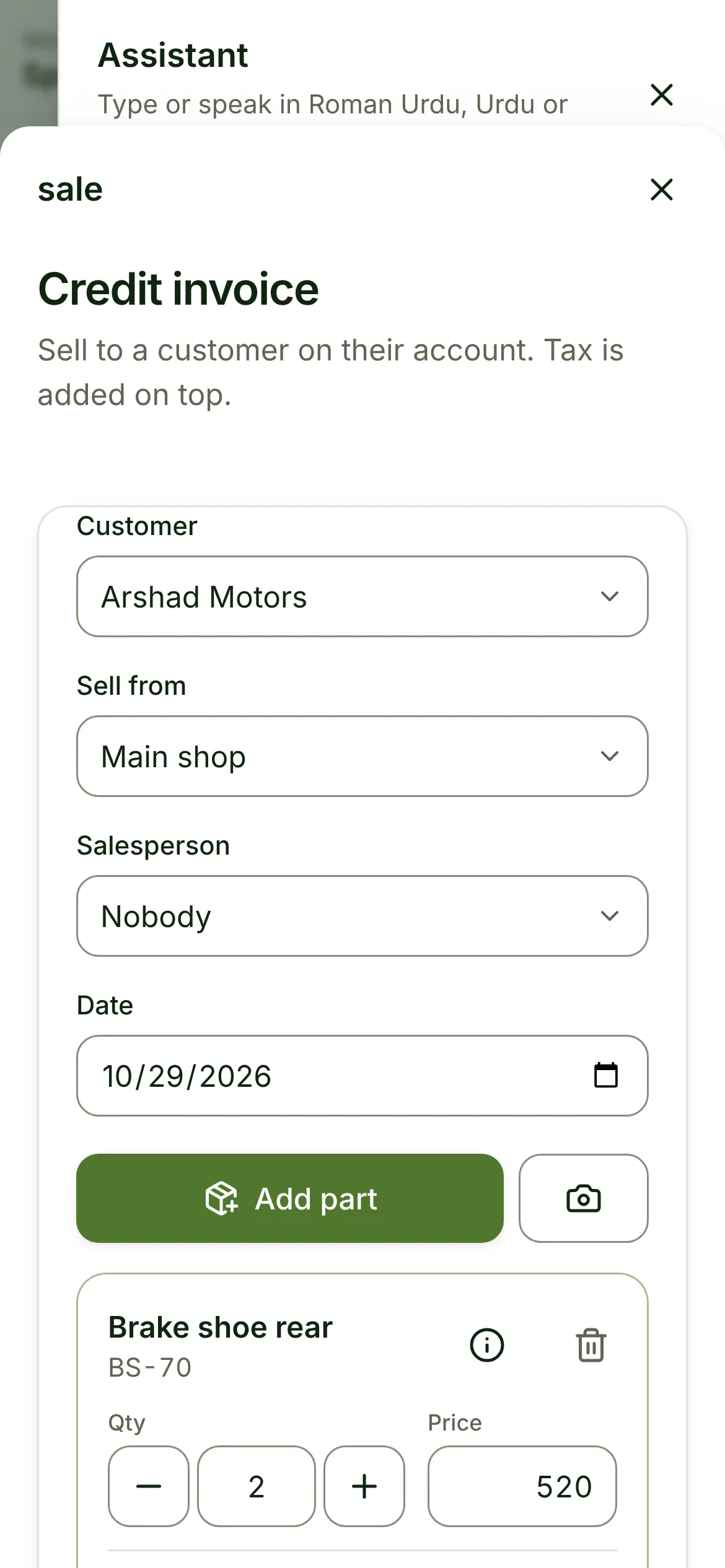
The screen opens, filled in.
Customer, item, quantity, price, payment. The same Sell screen your staff already use, inside the chat.
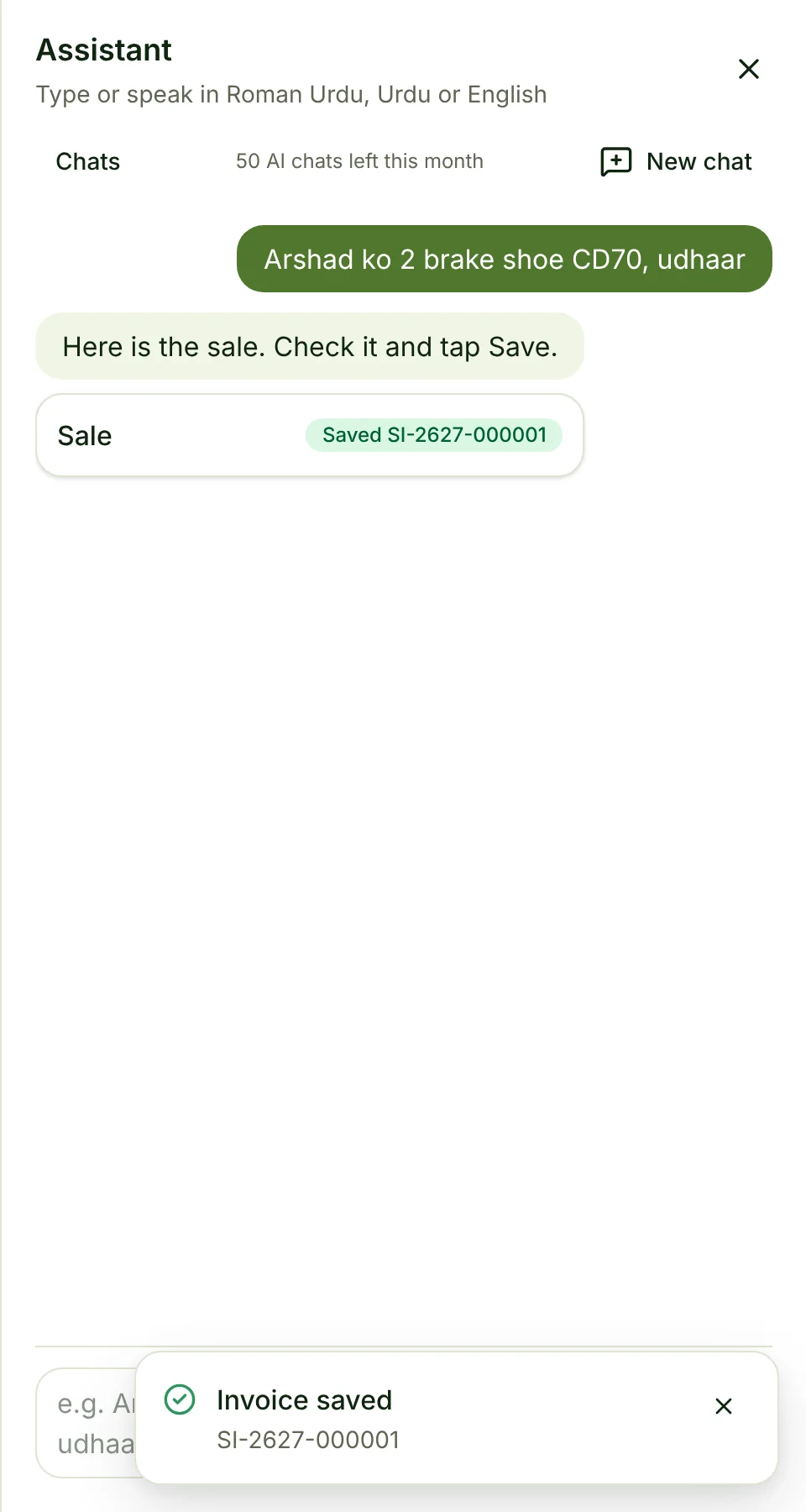
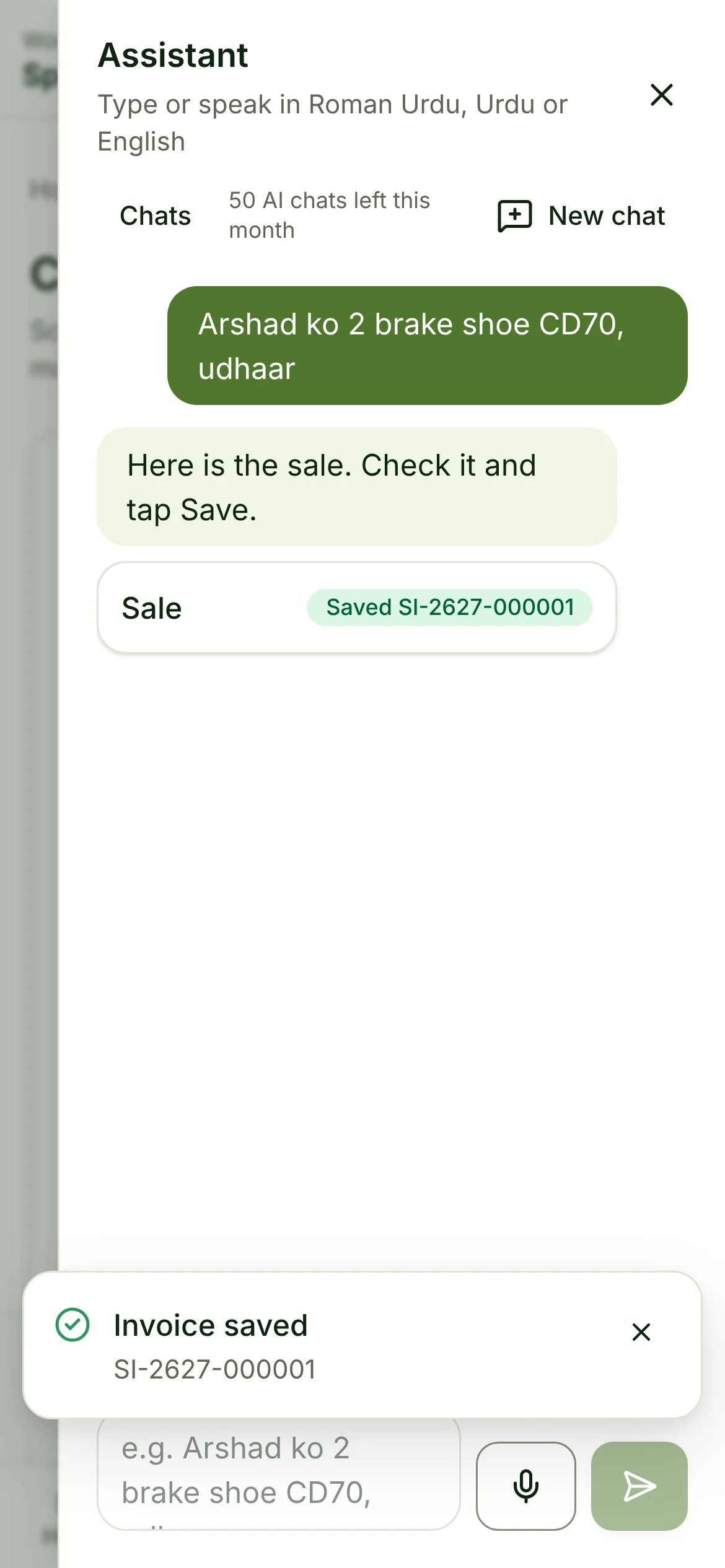
A person saves.
Save goes through the normal module, with the same checks and the same roles. The chat shows the invoice number.
02What it drafts
Seven things it prepares today.
Each one opens the screen that owns it, so what you see is what your team already knows.
Sale
Cash or credit, walk-in or a named customer
Purchase order
Supplier, items and quantities
Money received and paid
Against an invoice or on account
Expense
Type, amount and where it was paid from
Stock transfer
From one location to another
Price change
Any price list, any item
New customer
Name, city and phone
Questions about your numbers
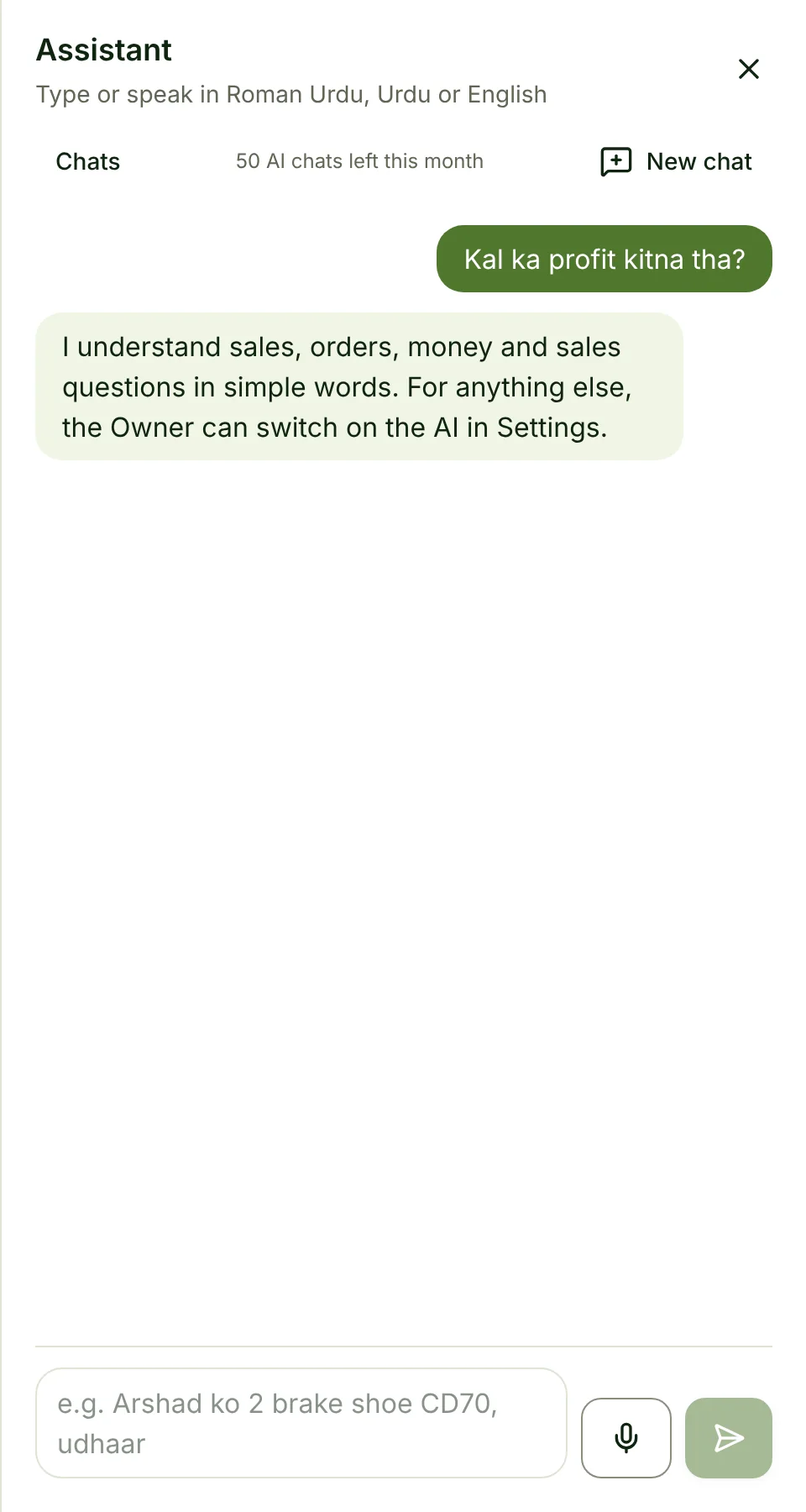
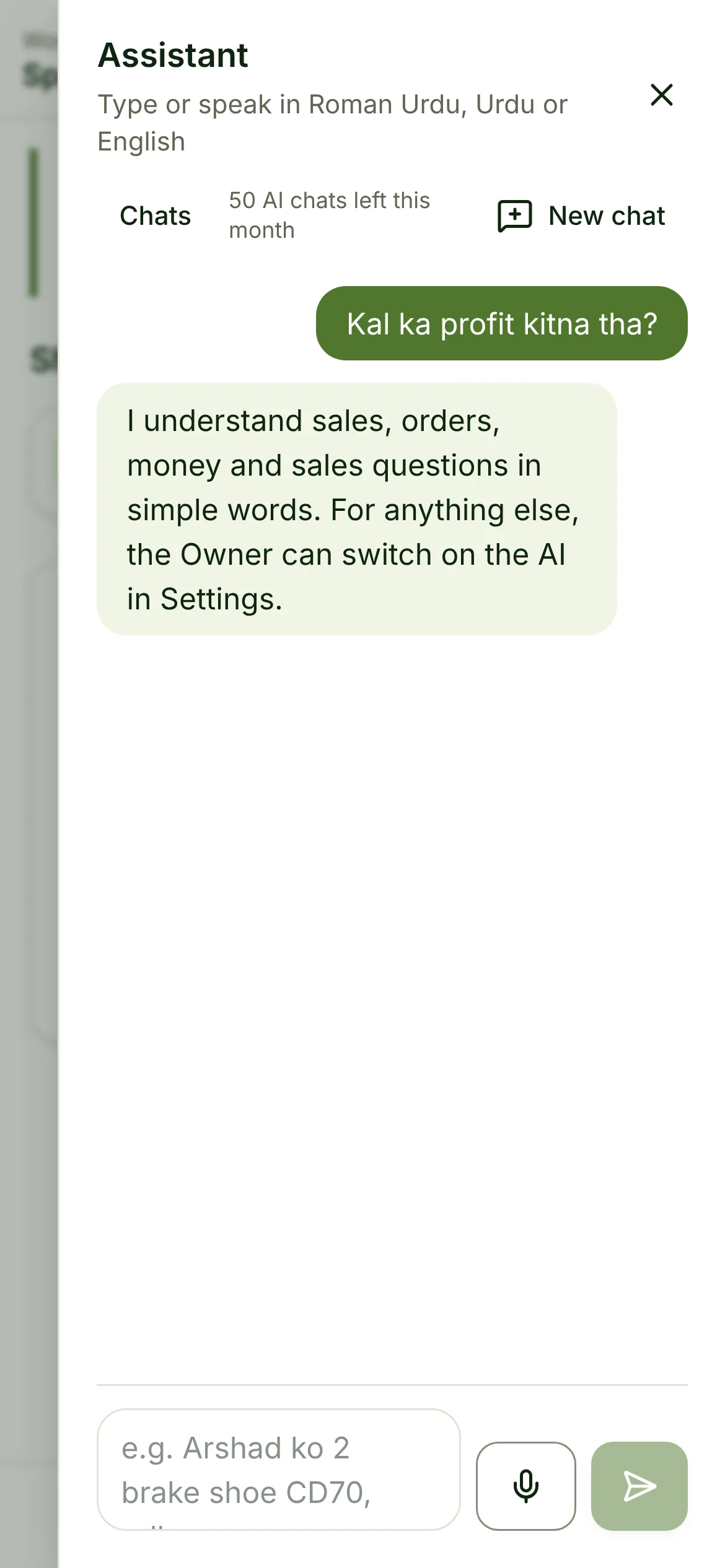
“Is hafte ka profit kitna hai?” answers in the chat with sales, bills and profit for today, yesterday, this week or this month, from the books. “Kya stock khatam ho raha hai?” counts what is at its reorder level.
03What you can say
In your words, not ours.
A few things people say every day, in shops, restaurants and warehouses.
- “Sell 2 phone covers to walk-in, cash”Cash sale
- “Sara ko 5 kg chawal udhaar pe do”Credit invoice
- “Order 20 cartons of milk from the usual supplier”Purchase order
- “City Traders se 50 chargers mangwa do”Purchase order
- “Ahmed paid 5,000 against invoice INV-123”Money received
- “Paid 12,000 rent from the cash drawer”Expense
- “Bijli ka bill 8,500 bank se”Expense
- “Move 6 helmets to the main shop”Stock transfer
- “Godown se dukaan 10 carton bhejo”Stock transfer
- “Set the retail price of the A15 to 42,000”Price change
- “Naya customer: Bilal Traders, Lahore, 0300 1234567”New customer
- “Add a customer called Grace Wanjiru”New customer
- “How much did we sell today?”Sales and profit, today
- “Is hafte ka profit kitna hai?”Sales and profit, this week
- “What is running low?”Items at reorder level
04You stay in charge
It drafts. You decide.
The assistant does the typing. You check the screen and tap Save, and each person only sees what their job needs.
Nothing saves by itself
Every screen waits for a person to check it.
Right answers for each person
Staff never see your cost or profit.
Yours to switch on
The shop runs the same with or without it.
05Questions
Good to know.
Which languages does it understand?
Urdu (in Urdu script or English letters) and English, mixed freely, and many more: voice notes are understood in close to 100 languages. The common shop sentences are understood at once; everything else goes to the AI model when the Owner has switched it on.
Can it save something by itself?
No. It prepares the screen; a person with the right role checks it and taps Save. Saving goes through the same module and checks as a hand-typed entry.
What if staff ask for something they may not see?
The assistant answers within the role of the person asking. A cashier cannot get profit figures out of it any more than out of the menu.
Does it work without the AI?
Yes. Sales, orders, money and simple questions are handled by rules without any AI provider. The model only steps in for sentences the rules are unsure about.
Where does my data go?
Chats are stored in your own business’s data. If the AI model is used, the sentence is sent to the provider to be read; your own provider key can be used and is stored sealed.
What does it cost?
Every plan includes a free monthly allowance of AI chats. Shops that use it all day add the assistant add-on per shop per month; with your own key there is no allowance.
Your shop, in your words.
Start your trial and talk to your own stock, customers and books.