Know what every build really costs.
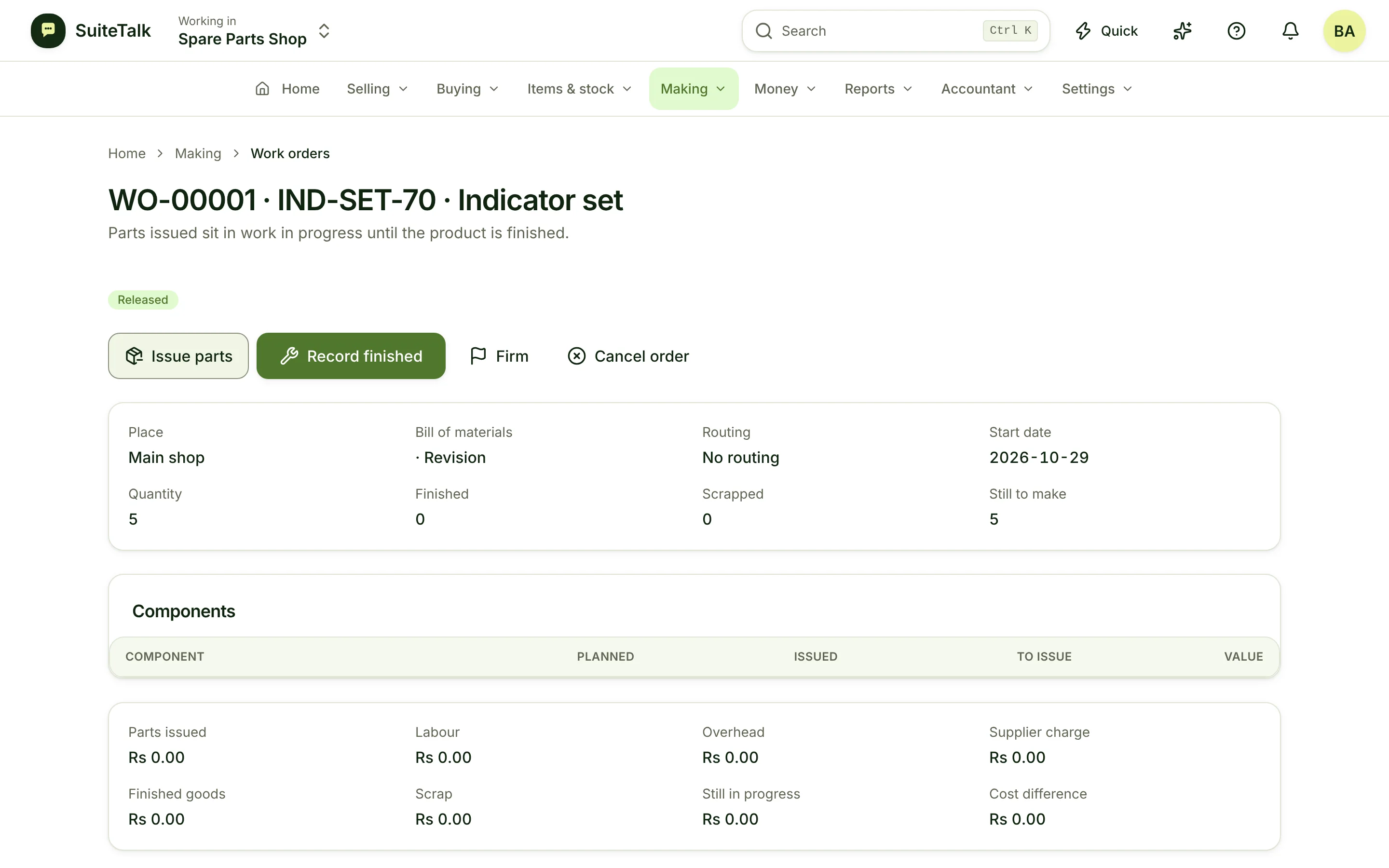
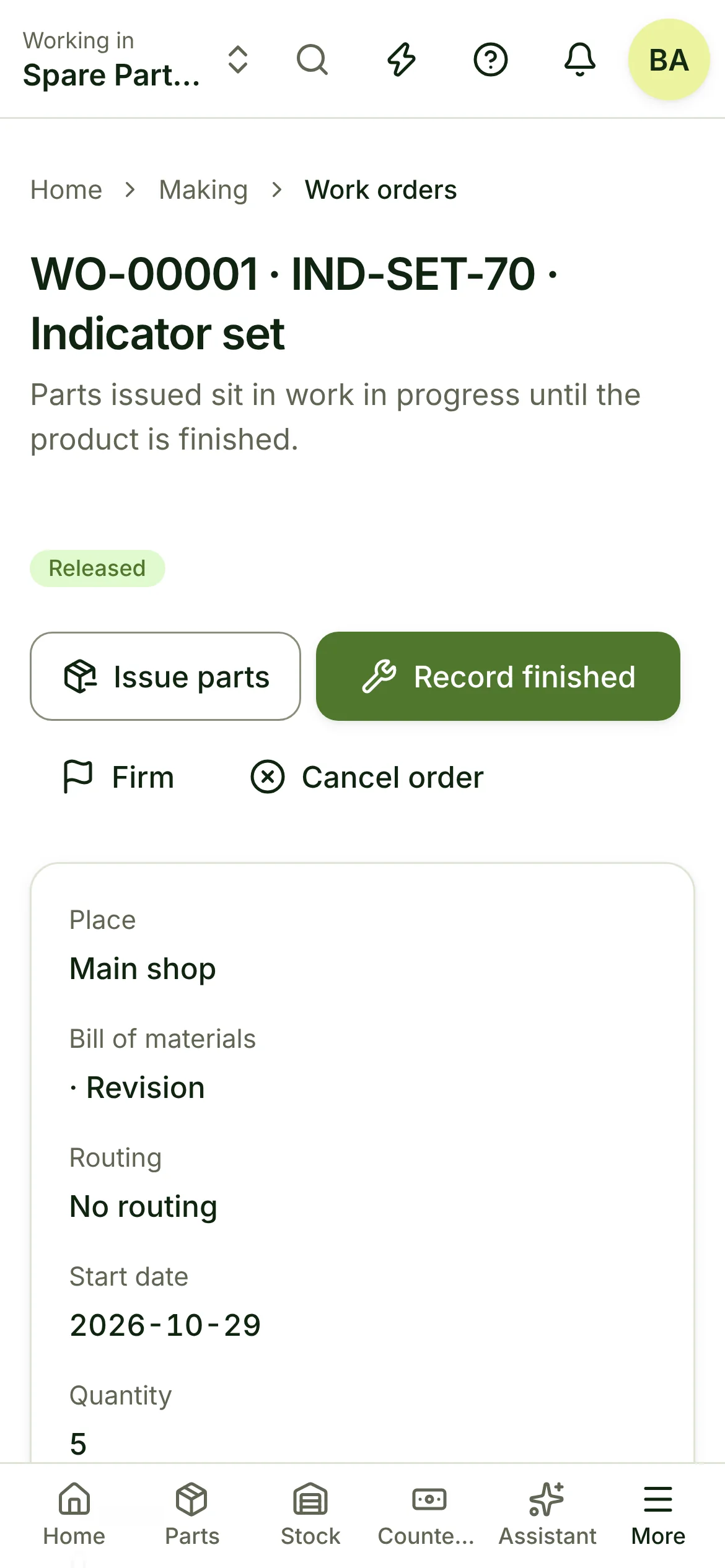
Bills of materials, work orders, average or standard cost, and a plan that tells you what to buy and make before you run out.
01Talk to it
Say it in your trade's words.
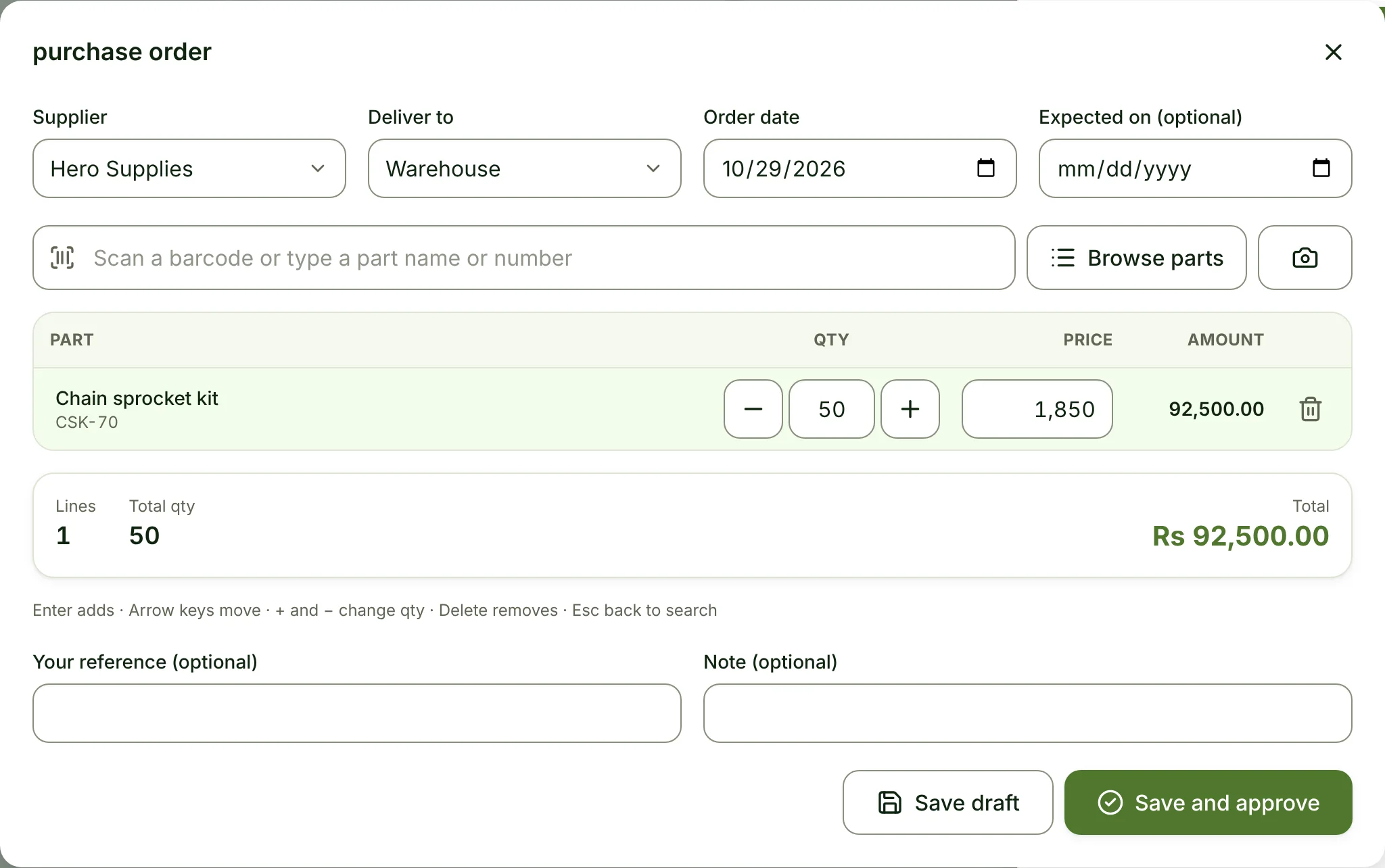
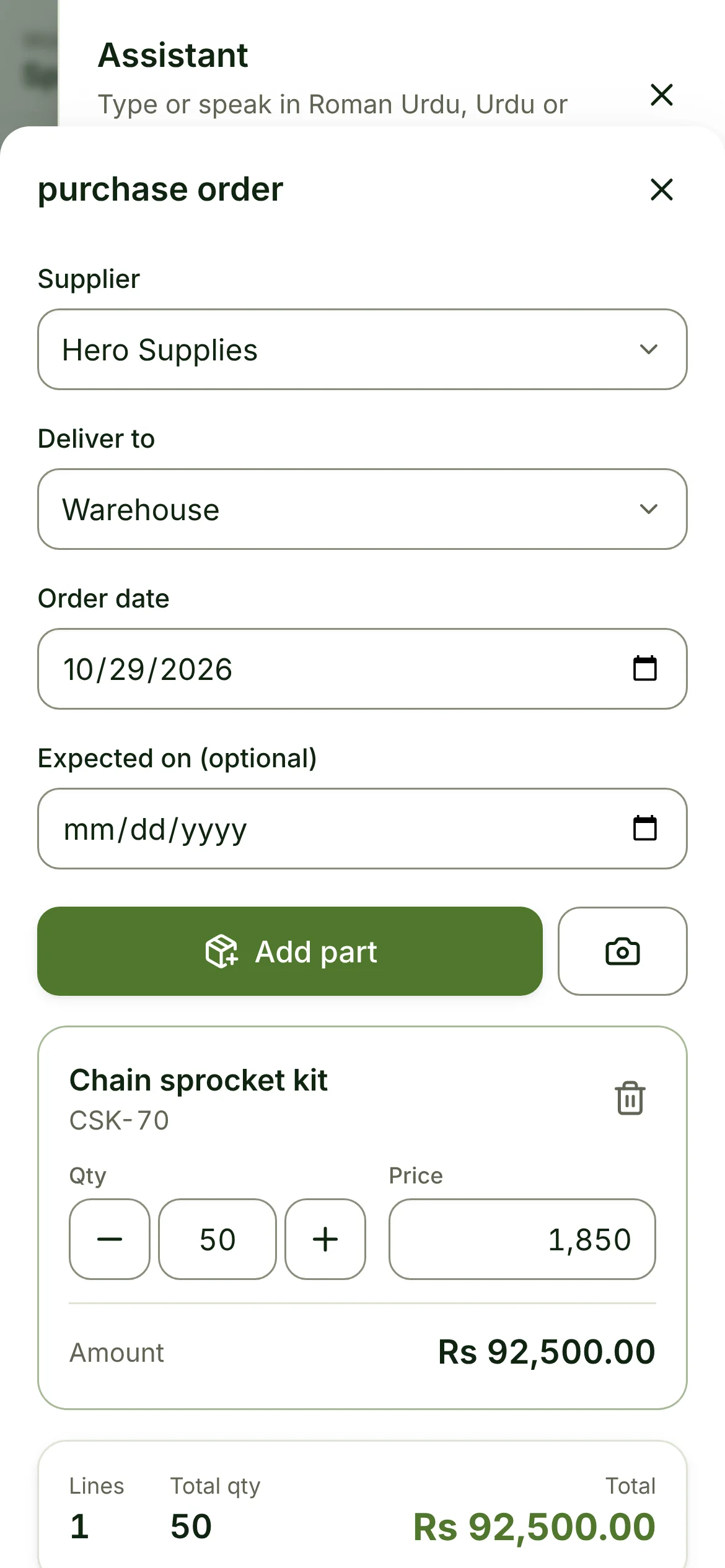
The assistant understands how your trade talks. It opens the right screen, filled in. You tap Save.
- “Order 200 bearings from Hero Supplies”
- “Move 40 cartons of finished goods to the shop”
- “Set the wholesale price of the chain kit to 1,750”
- Everything it understands
02Sounds familiar?
What gets in the way today.
Guessed product cost
Prices are set on a cost that was right two years ago.
Short of one part
A whole order waits for a single component nobody reordered.
Scrap you never see
Waste happens on the floor and never reaches the numbers.
03A day with it
From opening to closing.
07:30
Shift starts.
Today’s work orders on the shop-floor screen.
10:00
Parts issued to the line.
Stock moves to work in progress.
15:00
25 units finished, 1 scrapped.
Cost per unit and variance, right away.
17:00
Planning.
Suggested purchases for next week, one tap to order.
04What you get
Everything your trade needs.
01
Bills of materials
Dated revisions, kits and take-apart, all from the same item list.
02
Work orders
Issue parts, record finished and scrapped units, with a shop-floor screen.
03
Average or standard cost
Choose standard cost per item and see variances by category.
04
Make to order
Start a work order straight from a customer order.
05
What to buy and make
A planning run suggests purchase orders and work orders from demand and stock.
06
Serials and batches
Track serial numbers and batches on components and finished goods.
05Numbers that matter
What you see at the end of the day.
Cost per unit vs standard
+0.40
variance this week
Work orders late
2
of 18 open
Parts short this week
4
purchase orders suggested
Example figures, not a real shop.
06Grows with you
Add what is unique to your business.
Create your own kinds of record, with your own fields, numbering and steps. No code.
- + Quality check
- + Machine
- + Maintenance log
07Questions
Good to know.
Can I outsource a step to a subcontractor?
Yes. Outsourced work orders send materials out and bring finished goods back with the service cost.
Does it work in my country and currency?
Yes. You pick your country, currency and time zone when you start, and tax rates are set per item, so it is not tied to any one country.
Can I bring my items and customers from Excel?
Yes. Import items, customers, suppliers and opening stock from a spreadsheet. A dry run shows every problem before anything is saved.
Can my staff use it without seeing my cost and profit?
Yes. Roles decide who sees cost, profit and money. Staff can sell and count stock without seeing what you paid.
Can I take all my data with me?
Yes. You can export your whole business at any time.
Ready when you are.
Set up for your trade in minutes, with a mentor at every step.